


Support
LiberLive FAQs
Find quick answers about LiberLive C1, orders, shipping, returns, warranty, app setup, songs, and troubleshooting.
Most Asked Questions
Before You Buy
Answers for shoppers comparing LiberLive C1, checking app requirements, and confirming whether it fits their playing needs.
What is LiberLive C1?
LiberLive C1 is a stringless smart guitar designed to make playing and singing easier for beginners and casual music lovers. Instead of pressing traditional strings, you use chord pads, strumming paddles, and app-supported features to play songs more quickly.
It is not a traditional acoustic guitar. It is an electronic instrument built around simplified chords, rhythm patterns, and guided song practice.
Is LiberLive C1 beginner-friendly?
Yes. LiberLive C1 is designed for people who want to play songs without spending months learning traditional guitar finger placements.
You can press chord pads, strum or pick, and follow songs in the LiberLive app. You do not need formal guitar training to get started.
Do I need guitar experience or music theory?
No. You do not need guitar experience or music theory to start using LiberLive C1.
The chord pads and app-guided songs are designed to reduce the early learning barrier. As you get more comfortable, you can explore custom chords, rhythm patterns, transposition, and more advanced ways to play.
Can left-handed players use LiberLive C1?
Yes. LiberLive C1 does not have separate left-handed and right-handed models.
The playing posture is the same for both left-handed and right-handed users: one hand presses the chord pads, and the other hand strums or picks. Because C1 does not require traditional chord finger placements, left-handed players can usually adapt more easily than they would with a traditional guitar.
Does LiberLive C1 need tuning?
No. LiberLive C1 is an electronic instrument, so it does not need traditional string tuning.
You can change keys with the transpose function, either from the device controls or through the app.
Can I use LiberLive C1 without the app?
Yes. LiberLive C1 can be used without the app.
The app gives you more features, including song resources, custom chords, rhythm pattern switching, drum machine options, tempo adjustments, and pitch or key controls. For the best experience, we recommend using the app.
Is the LiberLive app free?
Yes. The LiberLive app is free to use and does not require in-app purchases.
Where can I buy LiberLive from official channels?
You can buy from the official LiberLive global website, LiberLive official stores on Amazon in the United States, and LiberLive official stores on Shopee in Singapore.
New authorized channels are usually reflected through LiberLive official social channels and the current Warranty Policy or Returns & Refund Policy.
If you purchase through an unauthorized third-party channel, LiberLive can help you communicate during a dispute, but we cannot guarantee that you will receive the final outcome or benefits you request.
Are there current discounts, promotions, coupon codes, or gift offers?
Available offers may vary by product, region, campaign, and checkout timing. If you have a discount code, enter it at checkout and review the final order total before payment.
Coupon codes and promotional offers follow their stated rules, and LiberLive reserves the final interpretation right for promotional activity. Gift items are not covered by the product warranty policy.
For promotion-related price changes, please review the current Sales Policy. If a code or gift offer does not apply as expected, contact LiberLive Support with a screenshot before placing the order.
Orders, Shipping, Returns & Warranty
Policy-led answers for checkout, delivery, address changes, returns, refunds, warranty, and repair support.
What payment methods are accepted?
Available payment methods are shown at checkout. They may include credit cards, PayPal, Klarna, Afterpay, and Shopify-supported payment options, depending on your location and order details.
LiberLive may support more installment payment options in the future. Whether an installment payment is approved depends on the customer account, payment provider, and checkout review result, not on the store alone.
Can I cancel my order?
You may request a full refund within 24 hours after placing an order on the LiberLive official website.
If the order has already shipped, it can no longer be cancelled directly. Please contact LiberLive Support for the next steps.
Can I change my shipping address after placing an order?
Contact LiberLive Support as soon as possible if your shipping address is incorrect. Address changes are only possible before the order has shipped and before the shipment is locked by the carrier or fulfillment route.
Once an order has shipped, LiberLive is usually unable to change the delivery address. Please make sure your shipping address, phone number, and email are complete and accurate before placing the order.
Where does LiberLive ship?
LiberLive shipping availability depends on product inventory, destination, warehouse route, and checkout settings. The final shipping options and fees are confirmed at checkout before payment.
If your country or region is not shown at checkout, contact LiberLive Support before placing your order. You can also review the current Shipping Policy.
How much does shipping cost?
Shipping fees depend on your destination, fulfillment route, product availability, and checkout settings. Some destinations may show free shipping, while others may have a shipping fee.
Please use the final checkout page and the current Shipping Policy as the source of truth before payment.
How long does delivery take?
United States mainland orders are usually processed within 2-4 business days. Estimated delivery after shipment is usually 3-7 business days.
For other supported destinations, orders are usually processed within 3-5 business days. Estimated delivery after shipment is usually 7-14 business days.
Orders are not shipped or delivered on weekends or public holidays. During high-volume periods, delivery may take a few extra days. For more details, review the Shipping Policy.
How do I track my order?
After your order ships, you will receive a shipment confirmation email with your tracking number when it is available. Tracking information is usually updated within 48 hours after shipment.
If tracking has not updated within 5 business days after shipment, contact LiberLive Support with your order number.
What should I do if tracking stops updating or delivery is delayed?
First, check the latest tracking page from the carrier. Tracking can pause during customs clearance, carrier handoff, weekends, public holidays, or high-volume periods.
If tracking has not updated within 5 business days after shipment, contact LiberLive Support with your order number and tracking number.
What should I do if tracking says delivered but I did not receive my package?
Check the delivery address, mailbox, front desk, parcel locker, neighbors, or local carrier first. Some packages are marked delivered shortly before the final handoff.
If the package is still missing, contact LiberLive Support with your order number, tracking number, delivery address, and any carrier message you received.
How do returns work?
Returns are handled through LiberLive Support. Do not send products back without prior authorization.
If you are unsatisfied with your purchase, you may return eligible items in their original packaging within 15 days of receiving them for an exchange or refund. Return eligibility, return fees, packaging requirements, and instructions follow the current Returns & Refund Policy.
How do I start a return?
Contact LiberLive Support before sending anything back. Include your order number, proof of purchase, and a short description of the issue or return reason.
The support team will provide return instructions if your order is eligible. Please make sure all components are included in the package and review the Returns & Refund Policy.
Can I exchange my item?
Exchange or replacement requests are handled case by case. Eligibility depends on the order, timing, product condition, issue type, and the current Returns & Refund Policy.
Contact LiberLive Support first so the team can review your case and confirm the next step.
How long does it take to receive a refund?
Once the returned product is received at the warehouse, the refund will be issued to your original payment method within 14 business days.
You will receive an email notification once your order is refunded. If you have not received the refund after 14 business days, contact LiberLive Support.
What is the LiberLive warranty policy?
The LiberLive C1 Stringless Smart Guitar comes with a 12-month warranty. Accessories and promotional gift items are not included.
Warranty claims require valid proof of purchase. Products purchased from unauthorized resellers may not be covered under warranty. Please review the current Warranty Policy or contact LiberLive Support if you are unsure whether your order is eligible.
How do I request warranty or repair support?
Contact LiberLive Support with your order number, proof of purchase, and a clear description of the issue.
Warranty and repair support may include remote troubleshooting, spare-part delivery, or replacement options depending on the case, product status, location, and warranty eligibility. Please review the Warranty Policy before submitting a claim.
Setup & App
Download, Bluetooth pairing, account access, app updates, firmware updates, manuals, and tutorials.
Where can I download the LiberLive app?
You can download the LiberLive app from the Apple App Store or Google Play Store.
You can also visit the LiberLive app download page for the latest iOS and Android download links.
How do I connect LiberLive C1 to the app via Bluetooth?
Download the LiberLive app first, then allow Bluetooth and location permissions when prompted.
Turn on your LiberLive C1, open the app, tap the device connection icon, and select the device name that starts with LiberLive.
Important: LiberLive C1 connects to the LiberLive app through the app. It does not connect to Bluetooth headphones or speakers through your phone's Bluetooth settings.
Where can I find the LiberLive C1 user manual?
You can download the LiberLive C1 User Manual from the official support resources.
Where can I find beginner tutorial videos?
You can find beginner tutorial videos on the official LiberLive YouTube channel. Search for LiberLive Official or use the LiberLive tutorial playlist.
How do I update the app or firmware?
For app updates, check the Apple App Store or Google Play Store.
For firmware updates, follow the instructions inside the LiberLive app. In some cases, the support team may need to help enable or guide the firmware upgrade option for your account.
What should I do if a firmware update fails?
Use a stable Wi-Fi network and stay close to the router during the update. Avoid phone hotspots and networks with special characters or unsupported characters in the network name.
If the update still fails, contact LiberLive Support with your app account email, device information, and a short description of what happened.
What should I do if registration, login, or email verification does not work?
Check your spam or junk folder first. Also make sure the email address was entered correctly, including uppercase and lowercase characters.
If you still cannot receive the code or log in, contact LiberLive Support with the email address you used to register.
What should I do if I cannot download the app?
Use the official app download page, Apple App Store, or Google Play Store. If the app is not available in your region or your device cannot install it, contact LiberLive Support and include your phone model, operating system, and region.
Playing Songs & Chords
How song resources, chord charts, rhythm patterns, custom chords, and transposition work on C1.
Can I play any song on LiberLive C1?
You can play songs from the LiberLive app and also play outside the app if you have the chords or chord chart for the song.
The app includes built-in song resources for practice. As you get more comfortable, you can use your own chord charts and adjust chords or rhythms in the app.
How do I add songs I want to play?
You can submit song requests through the LiberLive app. Go to Settings, Feedback, Lack of Songs, then Submit.
If you already have lyrics and chords for a song, you may be able to upload or create your own song content in the app.
What if the song I want is not in the app?
If the song is not in the app, you can use a chord chart with lyrics and chord letters. For singing along, chord charts in the key of C are usually easier to follow on C1.
You can also submit the song request through the app for the music team to review.
Can I create or upload my own chord sheets?
Yes. You can upload lyrics and chords and create your own song content in the LiberLive app.
You can learn more from the LiberLive app page and official tutorials.
What is the difference between the A and B strumming paddles?
The A and B strumming paddles can be used for two different rhythm settings.
A common setup is to use the smaller paddle for the verse or main section and the larger paddle for the chorus. You can also adjust the paddles in the app based on how you want to play.
How do I choose the right rhythm pattern for a song?
You can choose rhythm patterns in the LiberLive app based on the song style and how you want the strumming to feel.
You can also review the Rhythm Pattern Chord PDF if you want to compare rhythm options more directly.
How many chord types does LiberLive C1 support?
In basic mode, LiberLive C1 uses seven scale-degree chords that change when you transpose the key.
In custom mode, you can set chord pads through the app. C1 supports major and minor triads, major and minor sevenths, dominant sevenths, add9, and 12 root notes with 72 different chords.
How does the transpose function work?
LiberLive C1 supports key changes without traditional tuning.
You can change keys with the transpose knob, and the app can provide more semitone-level key changes. The chord steps stay the same, while the actual chord sounds change with the selected key.
Sound & Connectivity
Built-in sounds, external audio, speakers, headphones, recording, and low-sound support.
What sounds are built into LiberLive C1?
LiberLive C1 includes built-in sound sources for acoustic guitar, piano, and bass.
The app includes more than 80 chord rhythm patterns, including acoustic guitar, piano, and bass rhythm patterns.
Does LiberLive C1 include electric guitar tones?
No. LiberLive C1 does not include electric guitar, classical guitar, strings, or overdrive distortion tones.
Can I play LiberLive C1 through an amp, speaker, or headphones?
Yes. LiberLive C1 has a 3.5 mm audio output port for external headphones, speakers, and other audio devices.
For a guitar amp, use a 3.5 mm to 6.35 mm stereo audio cable. Do not use a differential audio cable.
Can I record LiberLive C1 into a DAW or audio interface?
Yes. You can connect LiberLive C1 with a 3.5 mm audio cable through a sound card or audio interface for recording or live streaming.
What should I do if the sound is too quiet or there is no sound?
If the sound is too quiet or there is no sound, contact LiberLive Support with your order number and a short video showing the issue.
The support team will review your device-specific situation and provide the next step.
Troubleshooting & Repairs
Device behavior, charging, Bluetooth connection, firmware, pads, stickers, and support-case information.
How do I fix charging or charging-related issues?
If your LiberLive C1 is not charging or the battery seems abnormal, contact LiberLive Support with your order number and a short video showing the issue.
Why is the strumming paddle rebounding slowly?
Slow strumming-paddle rebound may be related to low temperature. The paddles contain damping oil, which can thicken in cold environments.
Avoid using LiberLive C1 in temperatures below freezing. If the paddle still does not return normally in a normal indoor environment, contact LiberLive Support.
What should I do if the strumming paddle needs calibration or seems faulty?
If the strumming paddle does not respond normally, rebounds poorly in normal temperature, or appears physically faulty, contact LiberLive Support.
Paddle calibration and repair guidance should be handled by the support team case by case.
Why is the fingerpicking pad hard to press?
The fingerpicking pad is designed with silicone buttons that need to be pressed, not just lightly touched.
Press the chord pads first, then press the fingerpicking pad with firm, direct pressure. Avoid pressing only the seams between pads.
Why can't the app find my LiberLive C1?
Make sure Bluetooth is turned on and the LiberLive app has Bluetooth permission.
Also check whether another phone is already connected to the device. If the device indicator light is blue, it may already be connected and needs to be disconnected before pairing with another phone.
Do not connect through your phone's Bluetooth settings. Connect through the LiberLive app.
Why can the app find my device but not connect?
Restart LiberLive C1 and reopen the app. If needed, reinstall the app from the official download source and check that your phone system is up to date.
If there are many Bluetooth devices nearby, move to another location and try again. If the issue continues, contact LiberLive Support with a video showing your connection steps.
Why can't I upgrade the firmware?
Use a stable Wi-Fi network and stay close to the router during the update.
Avoid phone hotspots, 5G-only upgrade attempts, and Wi-Fi names with unsupported or special characters. If the update still fails, contact LiberLive Support with your app account email and device information.
Why is my guide sticker missing or not strongly attached?
The guide stickers are intended as temporary reference markers, so they may not use strong adhesive.
If you have trouble remembering positions, you can use the LED indicators while playing.
Why does my LiberLive C1 power off or fail to power on?
First, check whether the battery has enough power. Then restart the device and make sure you are pressing the power button correctly.
If the device still powers off unexpectedly or cannot turn on, contact LiberLive Support with a short video showing the issue.
What information should I send when contacting support about a device issue?
Include your order number, app account email if relevant, device model, a clear description of the issue, and a short video showing what happens.
This helps the support team understand the issue faster and give more targeted guidance.
Product Feedback & Future Updates
How users can send feedback and song requests without turning the FAQ into a public roadmap.
Can I request new app features or product improvements?
Yes. You can submit product or app feedback through the LiberLive app or contact LiberLive Support.
Feature requests are reviewed by the team, but availability and timing are not guaranteed.
How are song requests reviewed?
The LiberLive team reviews app feedback and song requests. You can submit song requests through the LiberLive app, and suitable content may be evaluated for future library updates.
Submitting a request does not guarantee a specific release date or approval result.
Will LiberLive release new products in the future?
Yes. LiberLive is continuing to develop new products and new music experiences. Subscribe to our website to receive official updates on future releases.
Please note: products purchased from unauthorized sales channels may be counterfeit and may not be covered by LiberLive’s official warranty or after-sales policies. For the safest experience, purchase only through LiberLive or authorized retailers. Read our policy.
Still have questions?
Blog posts

Best Guitar for Singers: Easy Accompaniment Without a Band
Read moreabout Best Guitar for Singers: Easy Accompaniment Without a Band

Portable Smart Guitar Guide: Travel, Small Apartments, and Quiet Practice
Read moreabout Portable Smart Guitar Guide: Travel, Small Apartments, and Quiet Practice
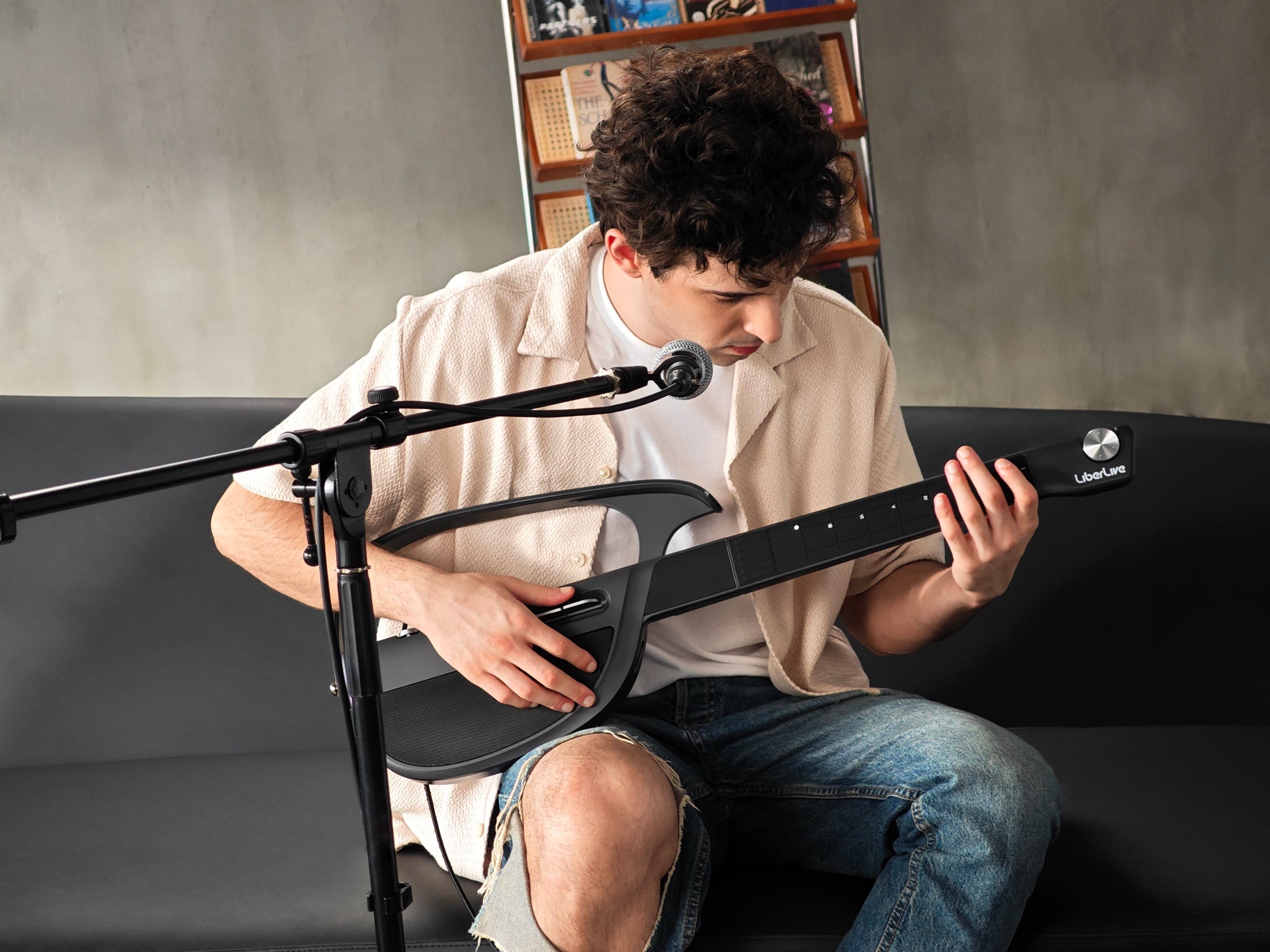
How the LiberLive App Works: Songs, Chords, Transpose, and No Subscription
Read moreabout How the LiberLive App Works: Songs, Chords, Transpose, and No Subscription