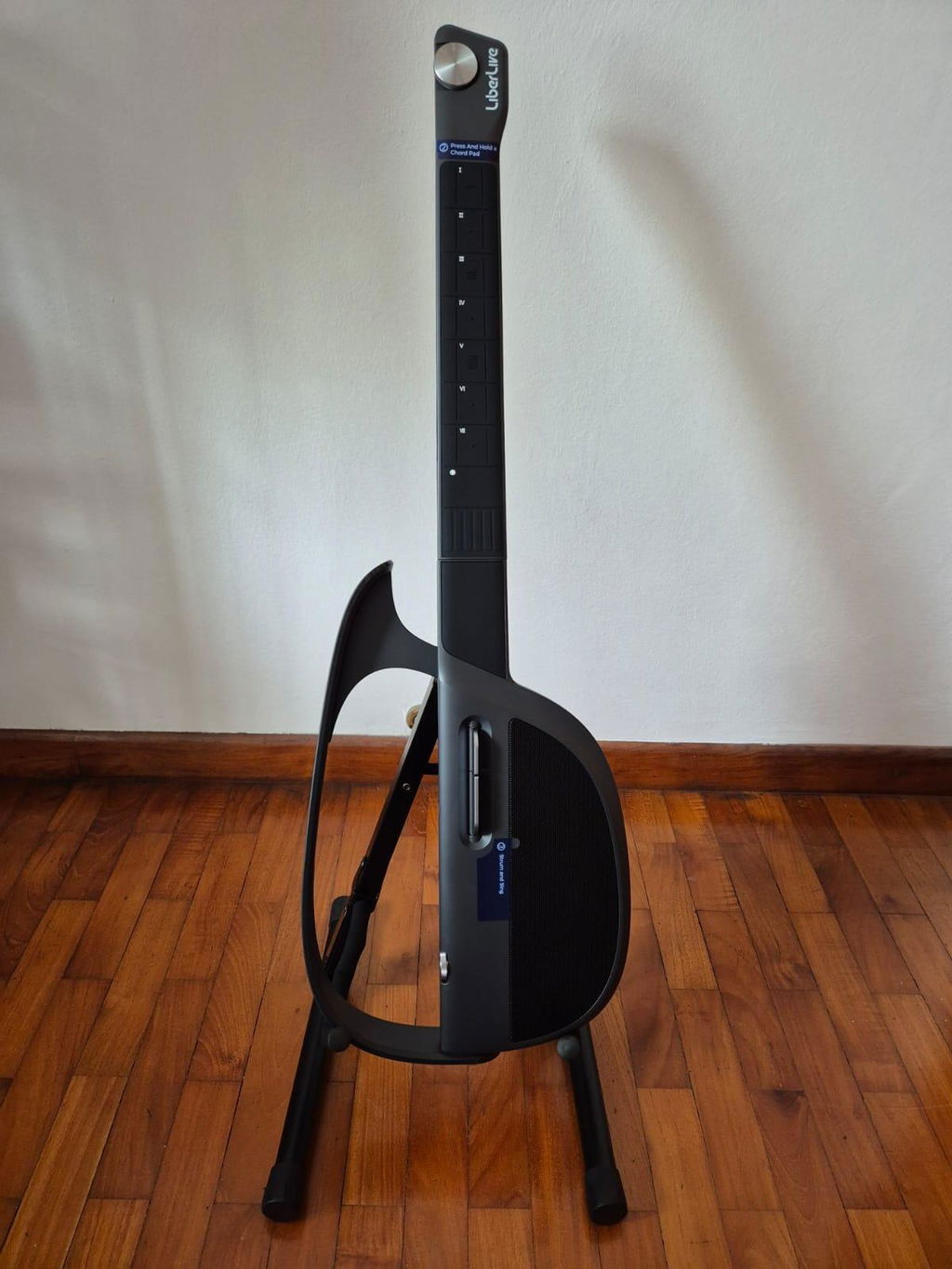
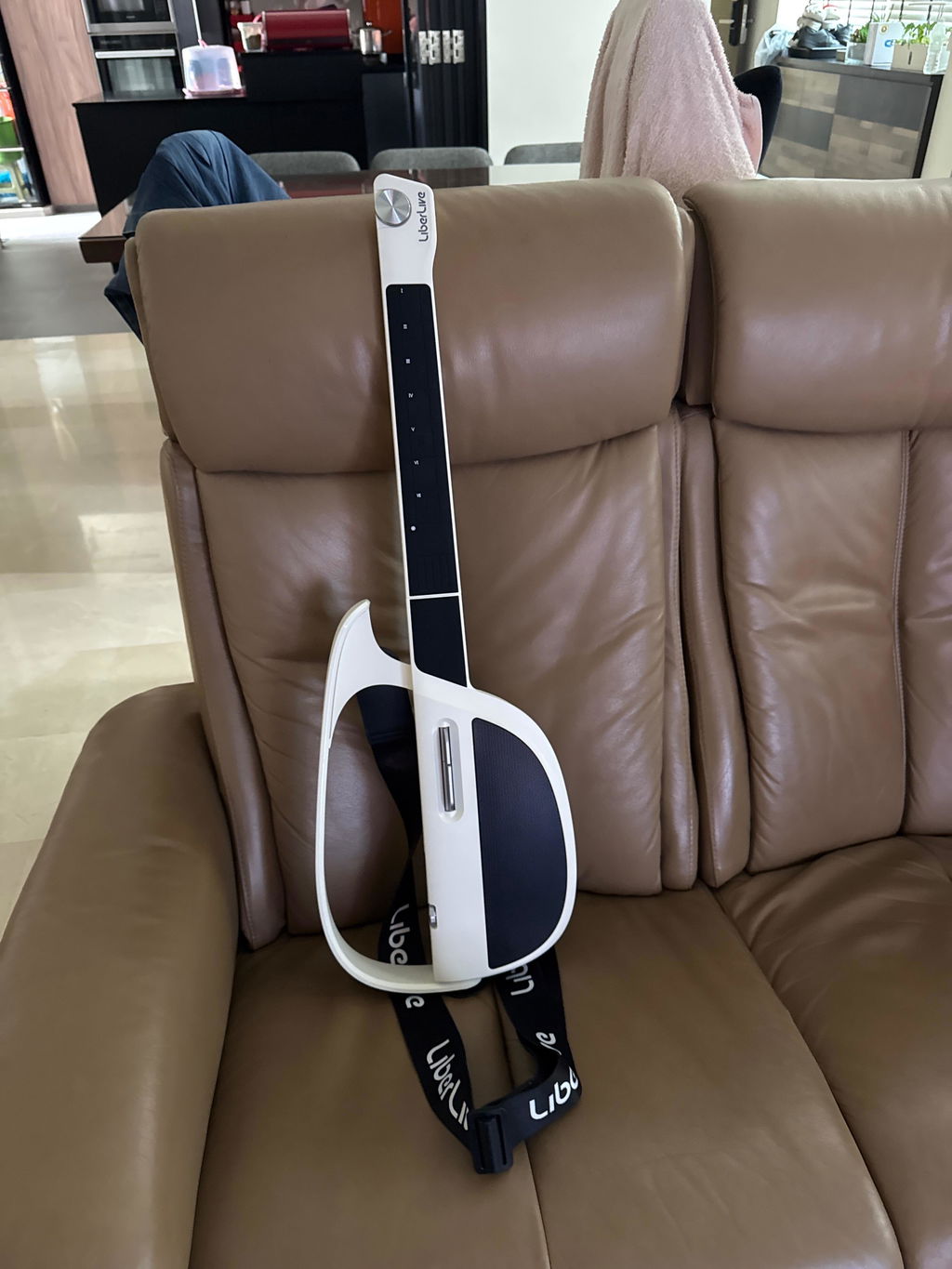
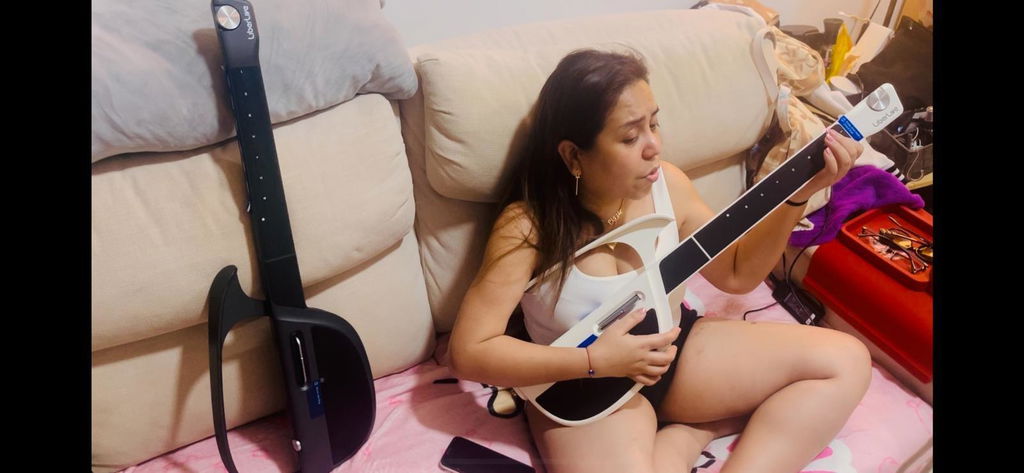
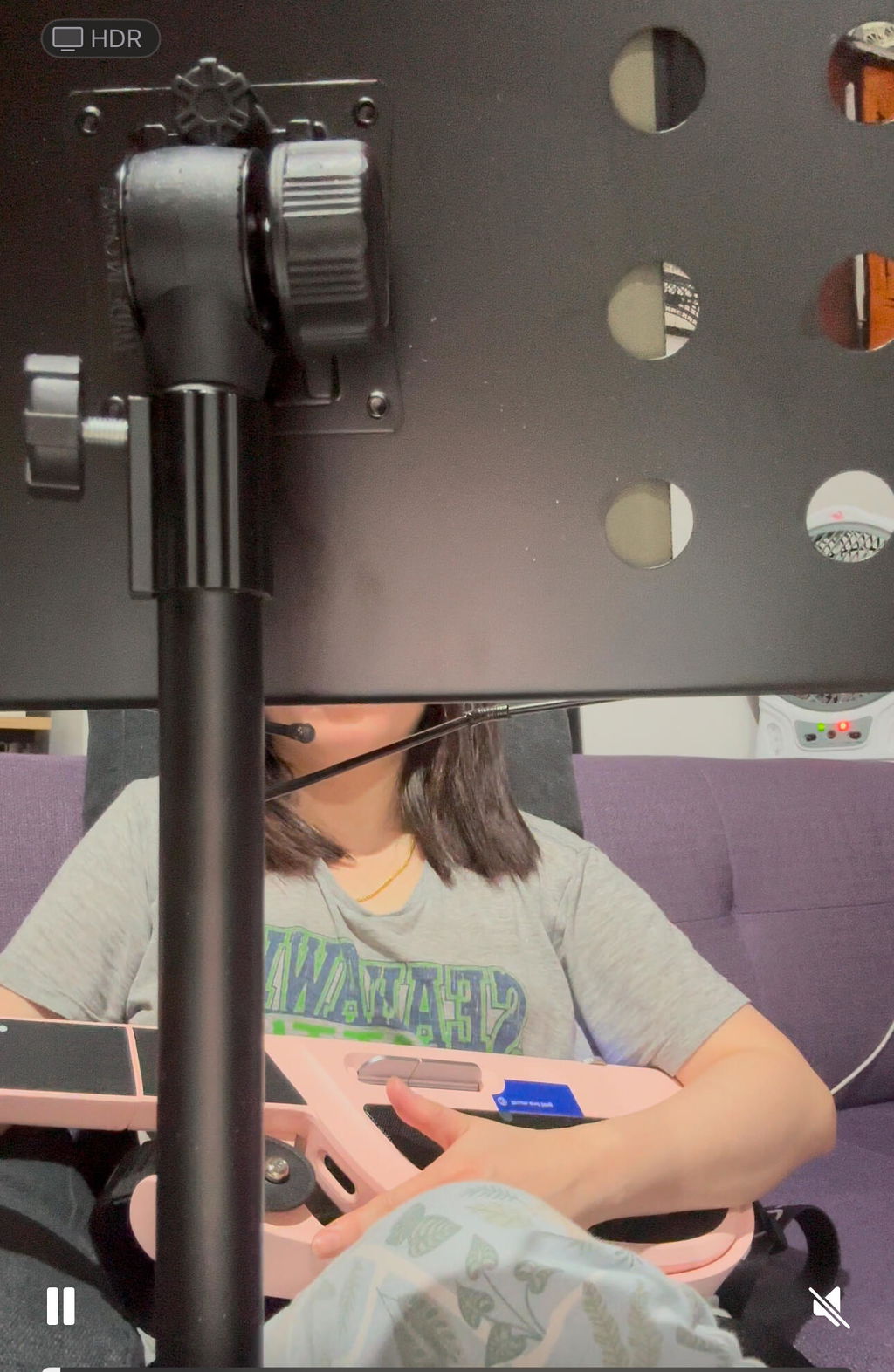
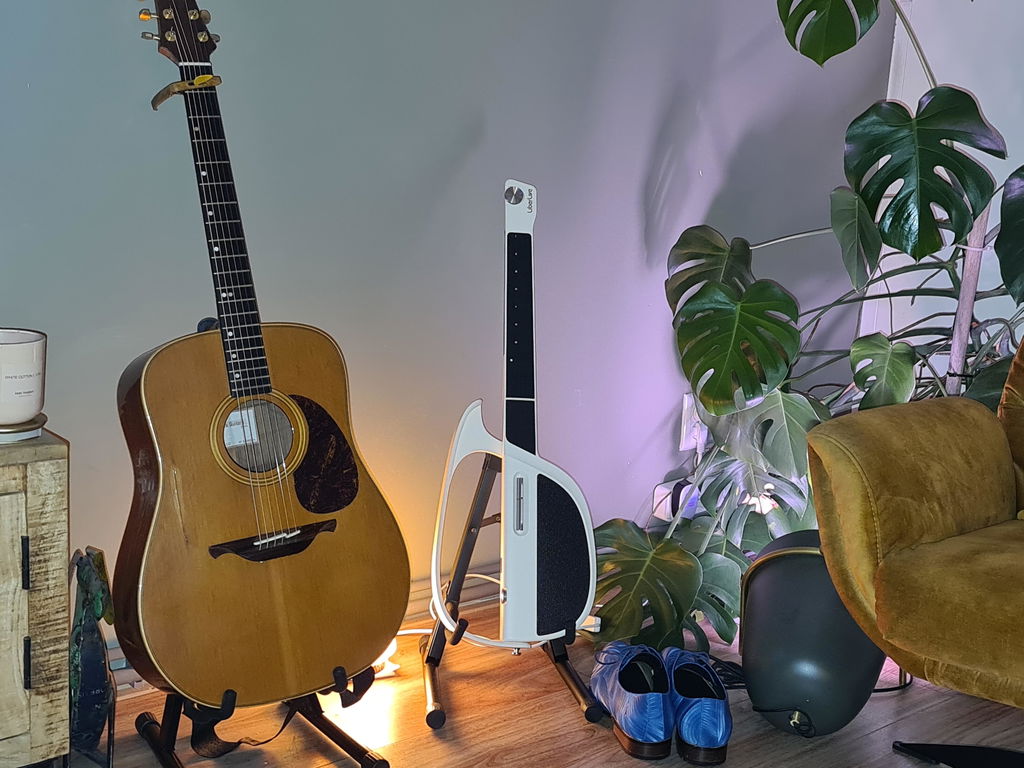
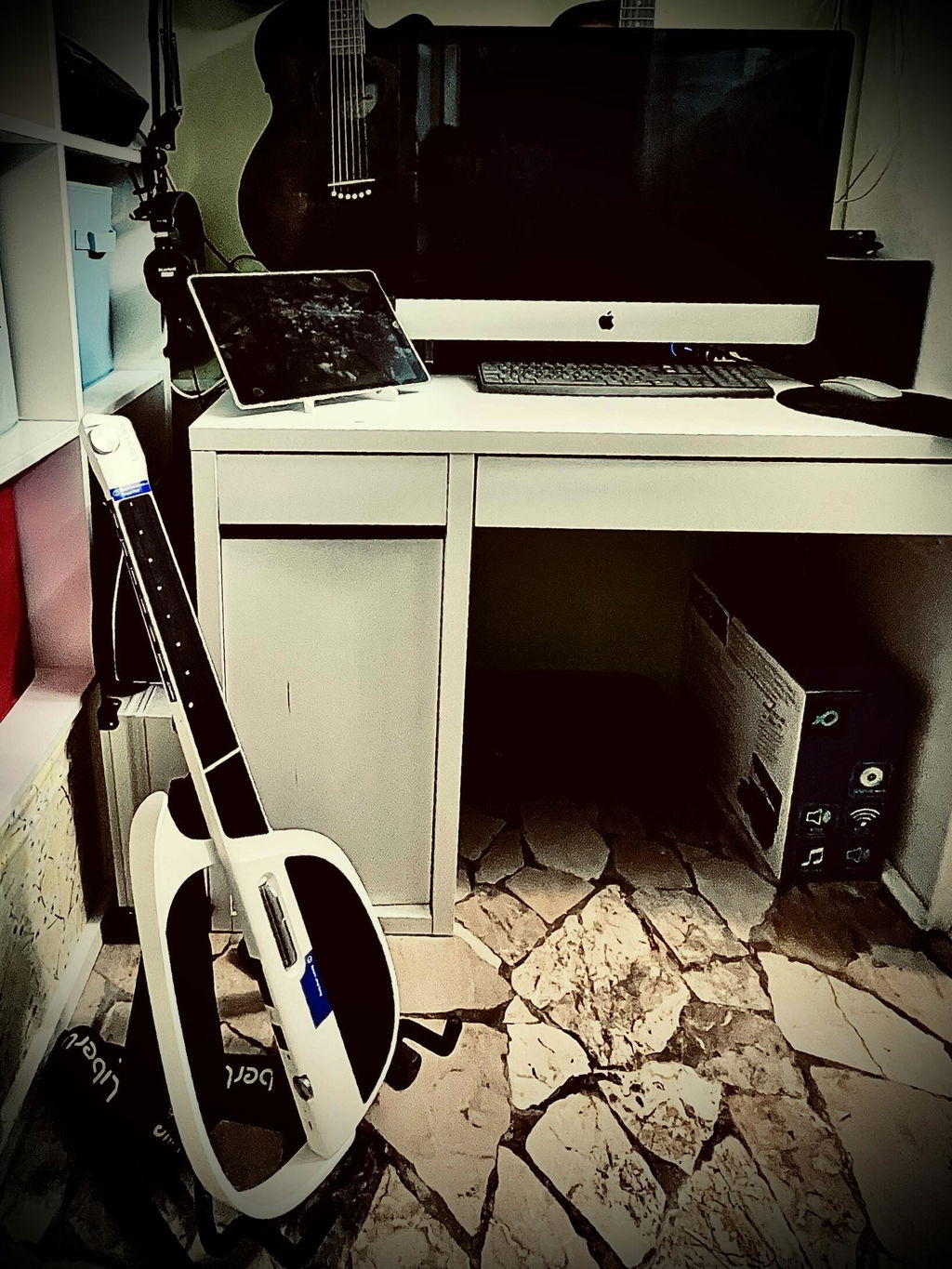
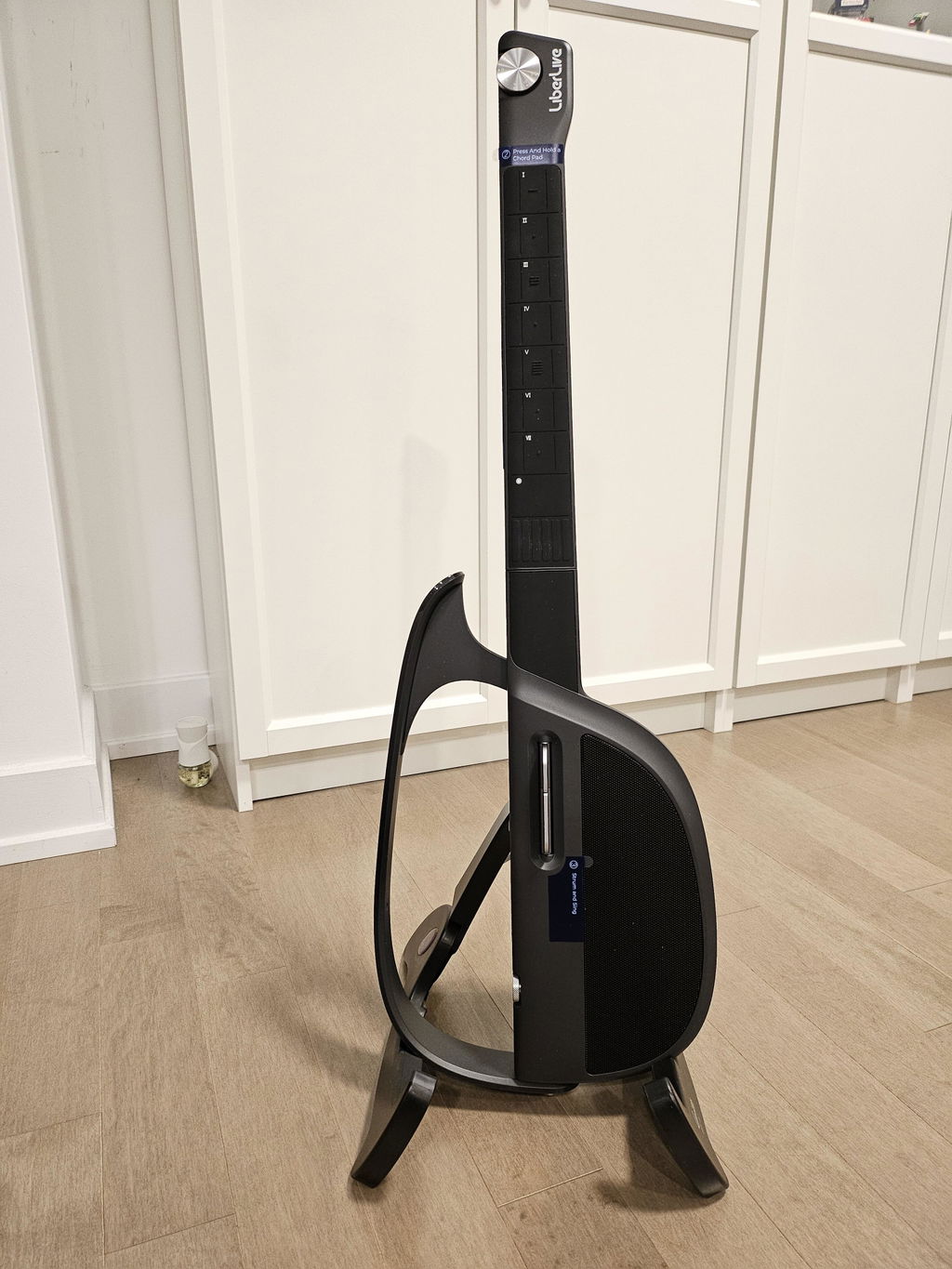
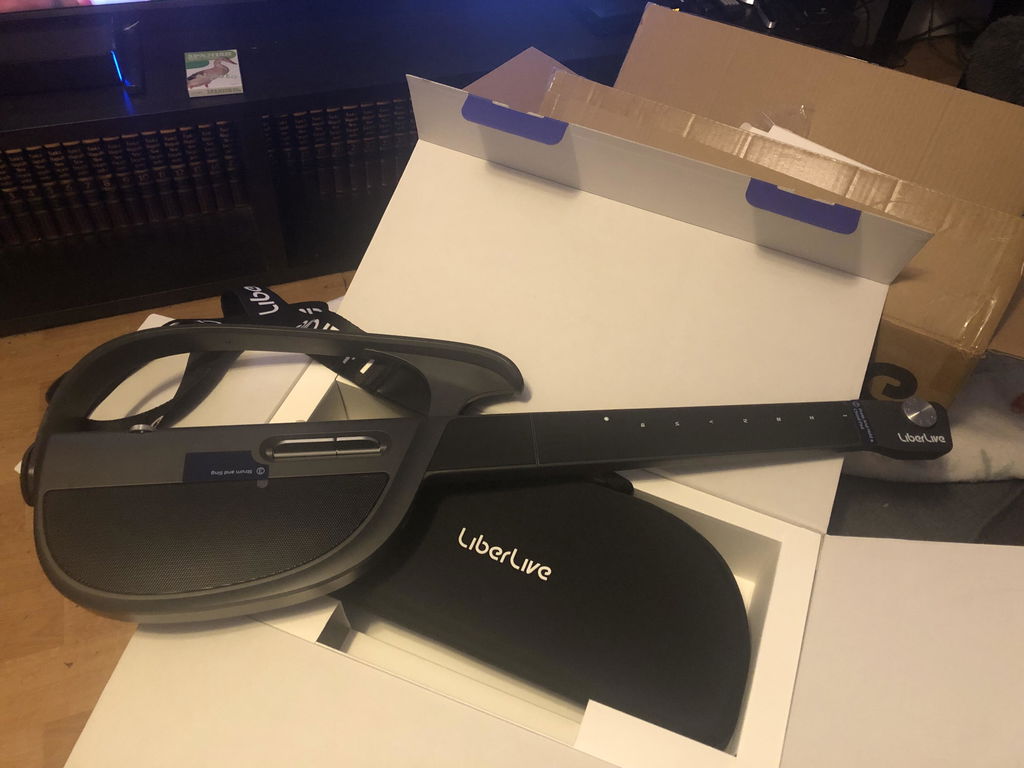
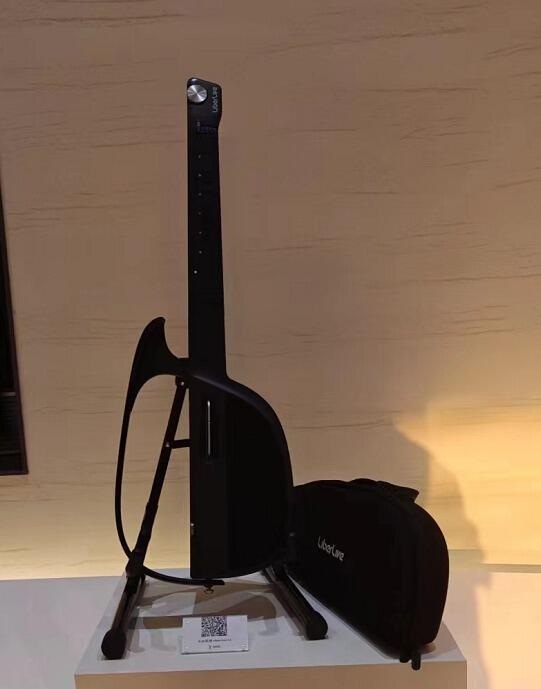
"But the real beauty is when you stop thinking of this as just a guitar and get into it being an all-in-one band."



Pairs well with
Fast Free Worldwide Shipping
15-Day Risk-Free Trial
1-Year Hassle-Free Warranty
Any confusion before ordering? Global Support
Featured In


Questions about buying Liberlive products?
Shipping Information
For The United States (Mainland): All orders are processed within 2-4 business days. The estimated delivery time is 3-7 business days. Please note that orders are not shipped or delivered on weekends or public holidays.
For Locations Outside of The United States (Mainland): All orders are processed within 3-5 business days. The estimated delivery time is 7-14 business days. Orders are not shipped or delivered on weekends or public holidays. Please refer to the shipping policy page.
15 Day Risk Free Trial
1 Year Warranty
The LiberLive C1 Stringless Smart Guitar (accessories not included) comes with a 12-month warranty.
This warranty does not apply in the following cases:


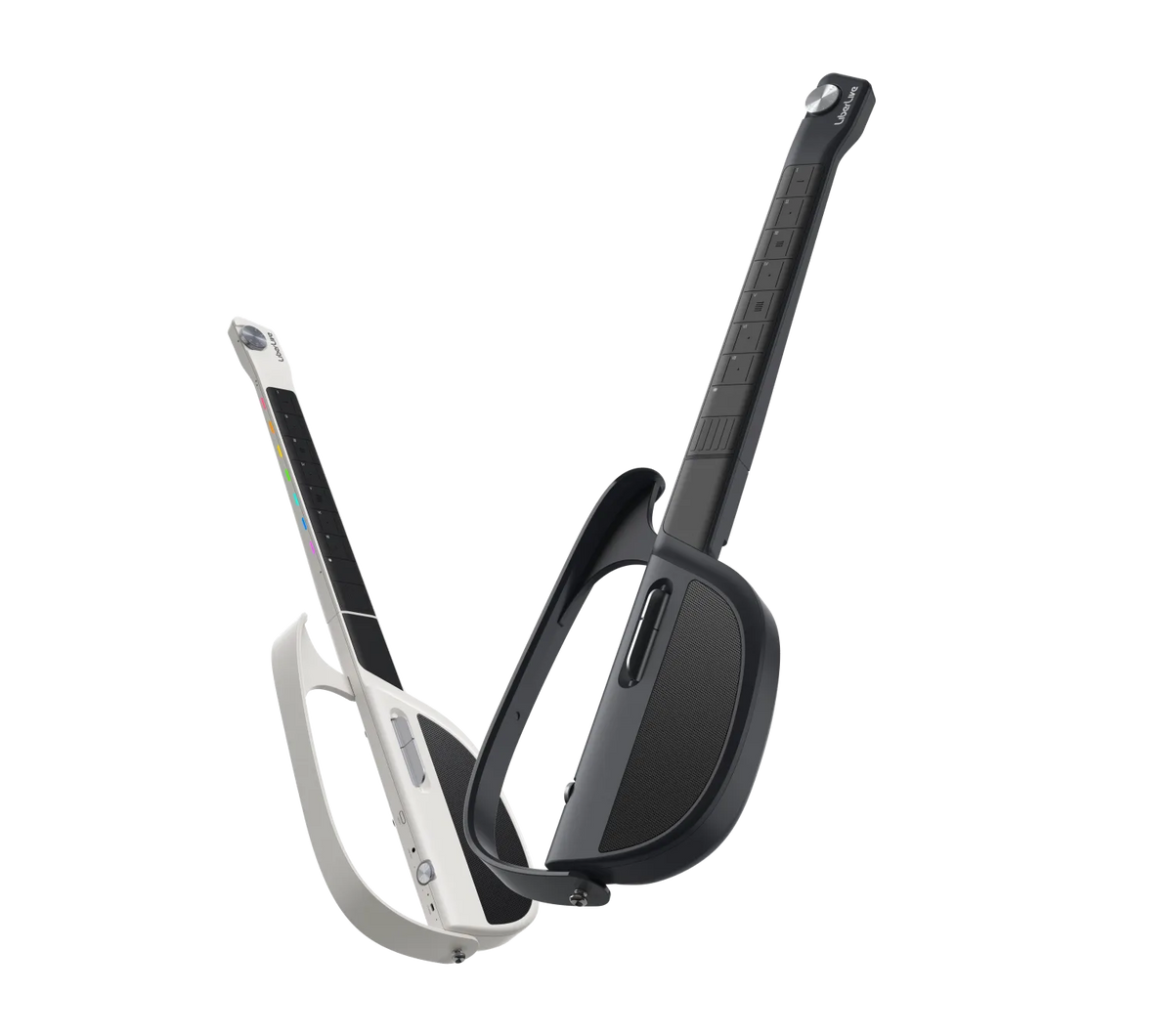
Colors. Choose from four styles
Stringless Design. No sore fingers. No chord shapes to fight through. C1 removes the usual first barrier, so your first song feels closer from the start.
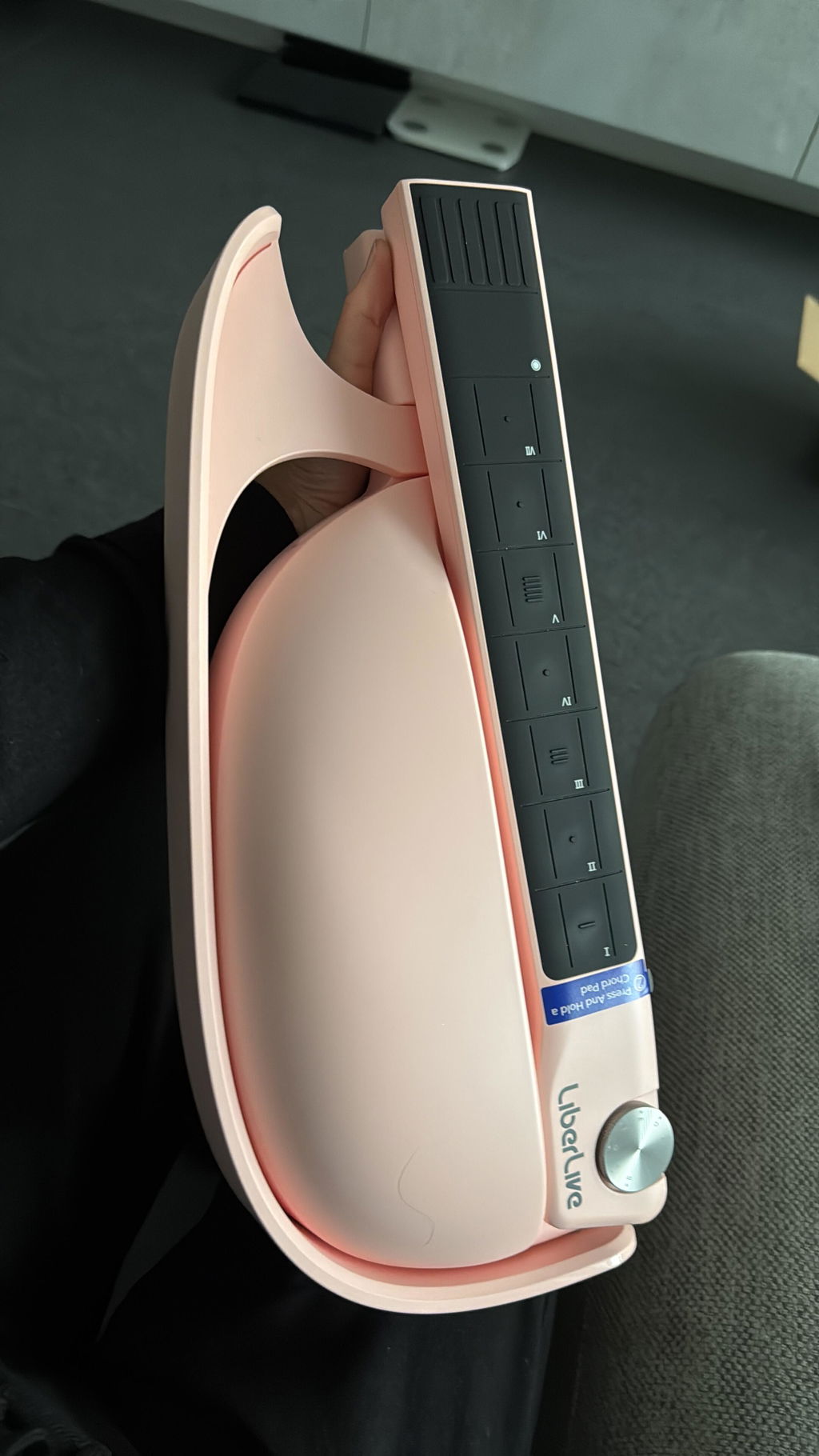
Unfold Anywhere. From your bedroom to the campsite, C1 is made to move with your music. Open it up, settle in, and start playing wherever the moment feels right.
One Person, One Band. Switch between built-in sound styles and make every song feel different. Guitar, rhythm, and more — all from one instrument in your hands.
Find Your Song. Search songs in the app, follow the chords, and start playing along. Your favorite music is no longer something you only listen to.
Feel the Room Fill. With rich built-in sound, C1 gives your playing real presence — even without extra speakers. Just turn it on and let the music fill the space.

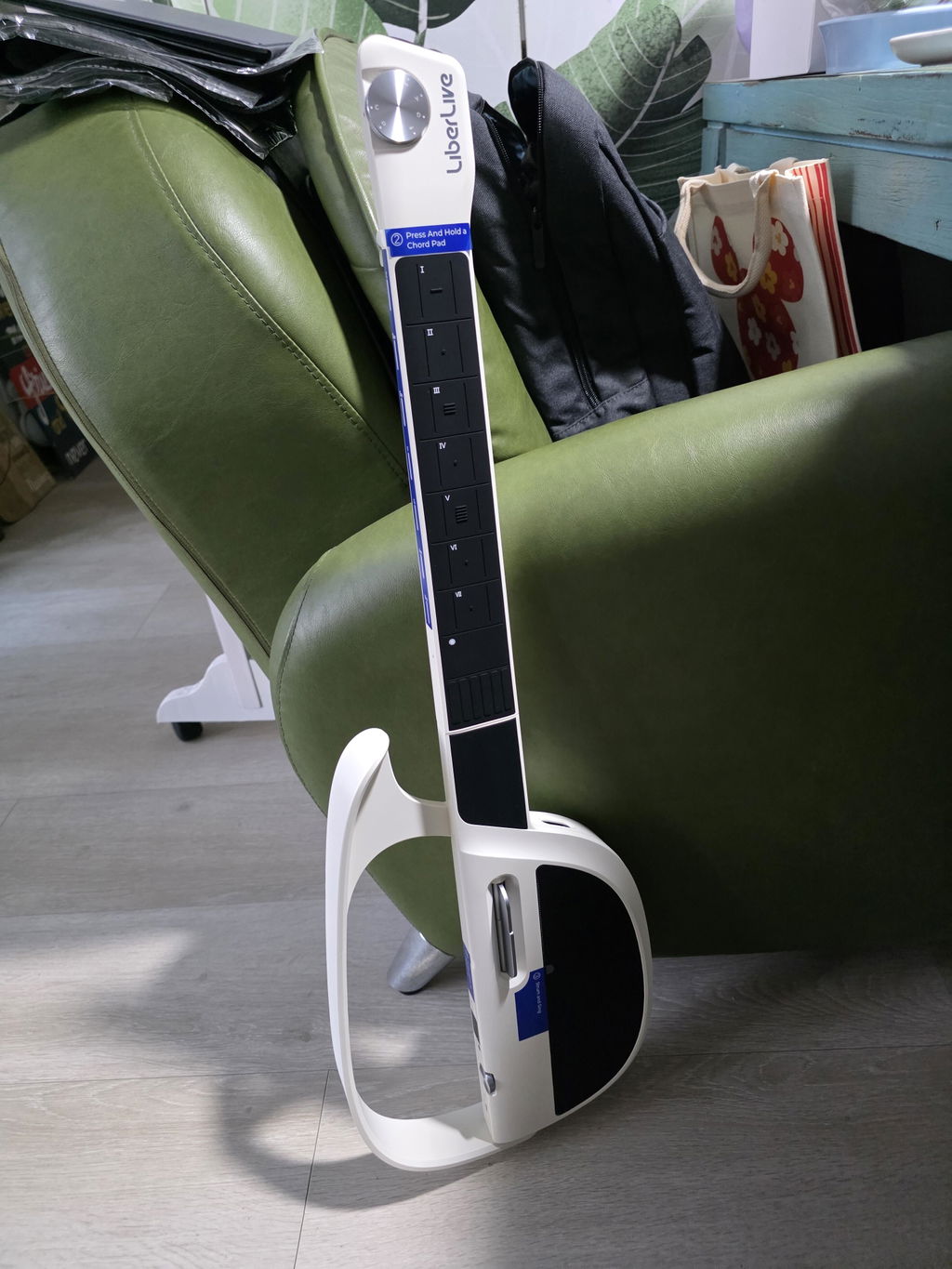
Transpose Knob
Easily adjust between 7 keys (C, D, E, F, G, A, and B) using the Transpose Knob, or explore all 12 keys with the LiberLive App to find your perfect singing key.
Independent creators unbox, test, and review the C1.
Weight
- 1788g (3.94 lb)
Size
- Fold: 416 x 164 x 81 mm (16.38 × 6.46 × 3.19 in) (L x W x D)
- Unfold: 808×264x81mm (31.81 × 10.39 × 3.19 in) (L x W x D)
Material
- Shell: ABS + PC Spray-free composite materials
- Metallic Parts: Anodized sandblasted aluminum alloy
Loss
- Folding Loss: 30,000 times
- Paddle Loss: 1,000,000 times (Loss less than 20% damping strength)
- Chord Pad Loss: More than 1,000,000 times
Operating Temperature
- 0-40°C (32–104°F)
Battery Life
- Using the built-in speakers: Up to 6 hours
- Using an external device: About 12 hours
Auto Power Off Time
- 10 minutes
Charging Port
- MAX DC 5V 3A USB Type-C
Charging Time
- About 2 hours
Battery Capacity
- 3.7 V 2000mAh x 2lithium polymer battery
Speaker Specifications
- 5W: Tweeterx1
- 20W: Subwoofer x1
Audio output interface
- 3.5mm (1/8") line out
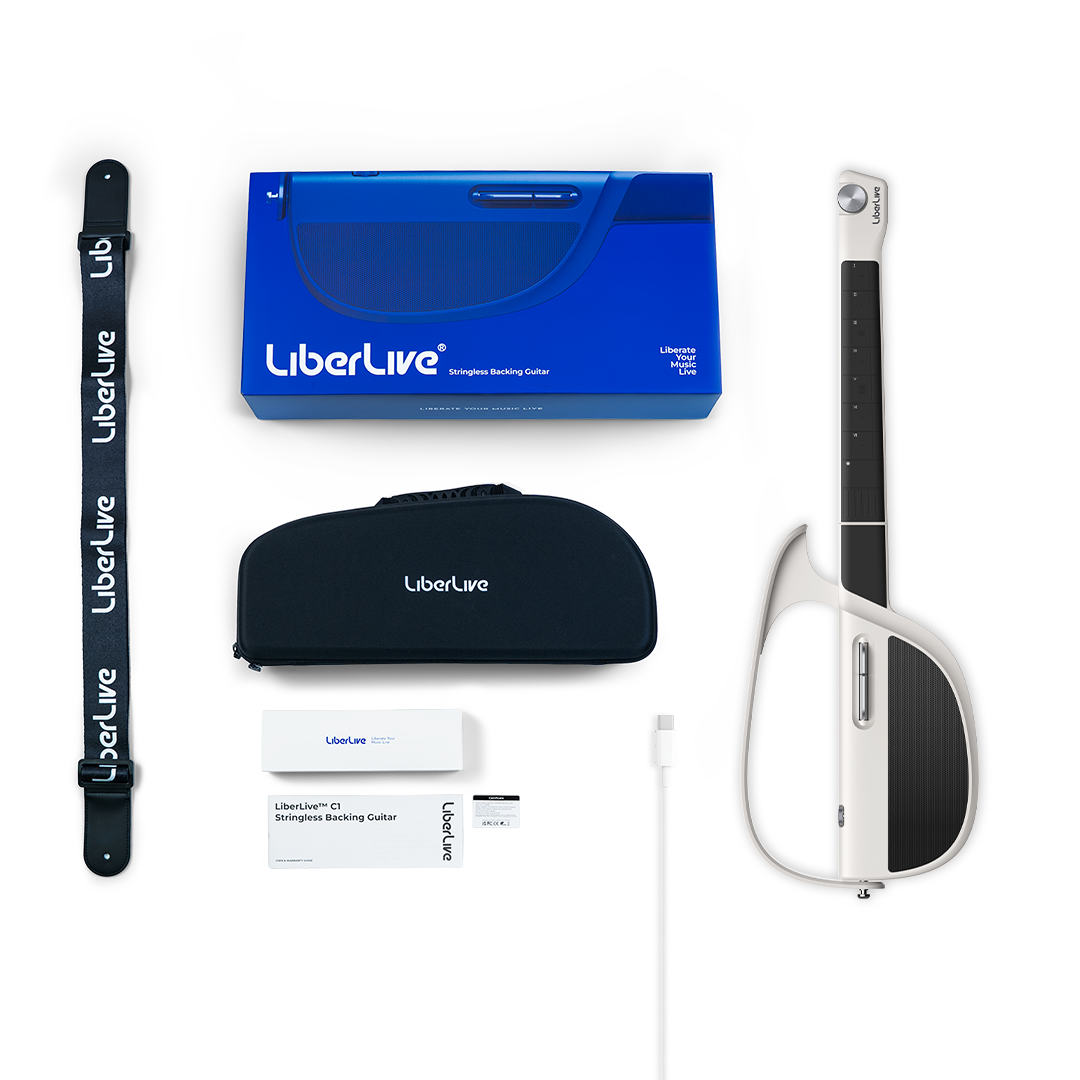
What's in the Box

LiberLive C1

Bag

Strap

Type-C Cable

Manual

Chord Stickers
Please read our FAQs page to find out more.
There is no distinction between left-handed and right-handed versions of the C1 model. Whether you're left- or right-handed, the playing posture remains the same: the right hand is used for strumming or picking, while the left hand presses the chord buttons on the fretboard. Since the Liberlive C1 doesn’t require complex finger placements like traditional guitars, it’s very easy for left-handed players to adapt.
Click on the official YouTube link below or search for "LiberLive Official" to find related tutorial videos.
These tutorials are designed to help you quickly understand and master LiberLive C1. With ease, you can start playing, singing, and experiencing the joy of music!
The product can be used independently without the app. However, the app offers additional features such as custom chords, rhythm pattern switching, drum machine options, tempo and pitch adjustments. We highly recommend downloading and using the app for the best experience.
Yes, it is recommended to use a 3.5mm to 6.35mm stereo audio cable (1-to-1) for the connection. Please note not to use differential audio cables. The product features a 3.5mm mono audio output port. You can use it for external headphones, speakers, and other devices. For the need to computer recording, or live streaming, you can connect the sound card to use.
The Liberlive C1 allows you to play both pre-programmed songs and your own music. There are thousands of built-in songs in the LiberLive APP, and these sample music are intended to be used as an entry-level guide, but as you become skilled, you will be able to find the chords you want to play for more songs without the need to use the APP music library.
Ich finde die Gitarre super, das App ist nur englisch finde ich schade aber mit der Zeit geht das auch. Super Klang bei Gitarre und Piano. Ich hoffe das es noch mehr Songs mit der Zeit gibt.
È proprio quello che cercavo 👍👍👍👍👍
Estoy muy contento con la guitarra. La App es muy fácil de manejar.
Nice guitar, just that the colour is not full white
Awesome. I ordered it from USA and it got delivered in 5 days to the UK. This is premium quality. Everything in the box is As described. Loved everything about it. The sound is insane. Can’t believe this could pack so much power. I can literally start a one man band with the LiberLive C1. 10/10
Thank You so much for this inovative Guitar,🥰🥰🥰 now i can really enjoy my own creativity and new view of playing such ant instrument like guitar...it's really satisfying...Guitar is so Good quality and came in Lithuania only in 4 days..👍❤️🌟🌟🌟🌟🌟💯
A great innovation! Now, i can learn to play simple chords at the shortest possible time and sing some of my favourite songs. Hope there will be more chord sheets available.
I bought the C1 to replace my ukulele due to my split nails. The C1 is absolutely perfect for my group singing. Is so easy to transpose the keys.
I absolutely love LiberLive! Both my boyfriend and I use it all the time, and we’re huge fans. Honestly, I had zero guitar experience before, but this product made learning super easy—even for a total beginner like me. The tutorials are straightforward, and I’ve already learned to play and sing along with several songs. It’s actually made practicing fun, not frustrating.
My boyfriend (who’s way better at guitar) also finds Libralive useful. He says the song library and features make it easy for him to try out new things and stay inspired. We even practice together sometimes, which is a lot of fun.
If you’re thinking about learning guitar—no matter your level—I can’t recommend LiberLive enough. It really works!
This Stringless Smart guitar is an awesome musical instrument. You can literally start playing it on the fly. You may be not skilled enough to play the guitar, piano but it won't stop you playing your music. My wife even bought a second one. She doesn't know to play a guitar but instantly
playing her favorite song because of this product.
Thank you LiberLive!
Fast shipment. Ordered Jan 7 2025 and it arrived Jan 13 2025 here in Darwin Australia. I tried playing shallow song. So nice to play this thing.
Wat een leuk ding die Liberlive C1! Ook met niet heel veel kennis van het bespelen van een gitaar, kan je met dit digitale wonder gitaar, piano en basgitaar spelen. Superleuk!
Sono molto contento del mio acquisto. Finalmente posso cantare e suonare senza avere dolore alle dita e sopratutto difficoltà con il barrè. Servizio delivery super rapido ed assistenza presente. Spero in futuro che il team sviluppo aggiorni sempre di più l’app con nuove features.
Simple to use, fun.
I bought it to play and sing ☺️ It was so simple to use, even in playing others song without app.
Materials are good, design too. 🤩
Easy to use, beginner-friendly, with comprehensive online tutorials. It's incredibly rewarding!
I love the app. It’s very easy to use. Sounds great.
Embrace technology. This would be great for olderguitar players with disabilities such as loss of limbs,arthritis etc. As an established guitar player,programming complicated guitar chords on it would bea blast.
Ich hatte eine viel einfachere Bedienung erwartet.
Ich werde das Produkt zurück senden.
Die Idee ist gut aber für Deutschland nicht geeignet
I've had my liberlive c1 for about a week week and absolutely love it. Having fun learning all the different strumming style selections and playing songs from the extensive song library on the app.
It’s so fun! Wish there were more songs, favorites were easier to find, and some distortions, but otherwise this is amazing and I love it!!!!!!!!!!!!!!
Very amazed that is like a portable organ where you can bring along to play with.
Improve my cognitive postpone onset or risk of dementia 🤕
I've always wanted to get more involved in playing music and singing and the LiberLive has made that very easy. It has also drawn my family and friends back into playing music for fun. Highly recommended!
Fun, if can have software updates for more drum setting like C2 will be perfect
I love it
Easy to use with good quality sound. When played properly most people can’t tell it’s not a real acoustic. I wish there was a way to make custom patterns. I’m also hoping that some of the C2 features will come as upgrades on the C1